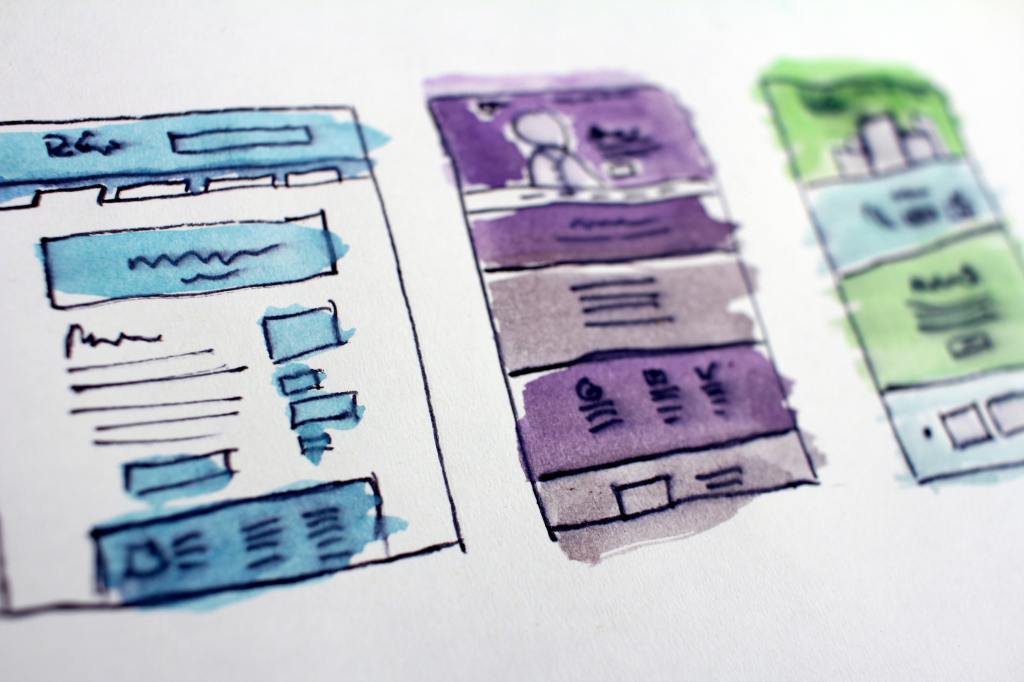
I implemented a number of web development recommendations as suggested by Piola (2018) and Gambrell (2015) in the creation of my website. First, both Piola (2018) and Gambrell (2015) suggest including a prominent search bar on every webpage. I included a box to search the library website on the footer of all webpages, as well as a button link at the top center of every webpage to search the library catalogue. This ensures users can easily find information through the website and the library catalogue. Piola (2018) also suggests designing a search bar that toggles between the library catalogue and website. While I hoped to include this feature, this was not possible due to limitations using free WordPress software. Second, both authors recommend the use of jargon-free text. This was implemented on each webpage. Plain text was used over technical language and the collection was described in terms of general services and resources offered (such as e-books, talking books, DVDs and streaming etc.). This was done to ensure users clearly understand what our library offers. Third, it is vital to have a vision (Gambrell, 2015). My website contains a clearly defined mission statement that communicates our values and goals to our stakeholders and users (Ebenezer as cited in Al-Qallaf & Ridha, 2019).
Fourth, navigation should be kept simple with a maximum of 5 to 6 main navigation items (Gambrell, 2015). On my website there are 6 main navigation sections displayed using top-level navigation. This was implemented to ensure users are easily able to access important information such as the events calendar and contact details. Fifth, Gambrell (2015) suggests that the homepage should act as the main access point to the rest of the website. I implemented this recommendation by minimising clutter and using the homepage as an opportunity to highlight the website features offered (with a brief description) of each section. Sixth, website accessibility is vital to reach users with disabilities (Gambrell, 2015). I used alternative text tags on linked images (Scheeren, 2015), included descriptive text alongside image links (Sutton, 2017) and descriptive page titles (Comeaux, 2017) to cater to those with learning disabilities. Furthermore, the use of top-level navigation ensures the website is compatible to users with screen readers (Yoon, Hulscher & Dols, 2016). Overall, my website was designed to be accessible to as many users as possible.
References
Al-Qallaf, C. L., & Ridha, A. (2019). A Comprehensive Analysis of Academic Library Websites: Design, Navigation, Content, Services, and Web 2.0 Tools. International Information & Library Review, 51(2), 93–106. Retrieved from https://doi.org/10.1080/10572317.2018.1467166
Comeaux, D. J. (2017). Web Design Trends in Academic Libraries-A Longitudinal Study. Journal of Web Librarianship, 11(1), 1–15. Retrieved from https://doi.org/10.1080/19322909.2016.1230031
Gambrell, K. (2015). 7 best practices for creating a user friendly library website. Retrieved from https://www.ebsco.com/blog/article/7-best-practices-for-creating-a-user-friendly-library-website
Piola. (2018). 8 tips to improve your library’s website design. Retrieved from https://meetpiola.com/8-tips-to-improve-your-librarys-website-design/
Scheeren, W. O. (2015). School Library Websites. In Technology Handbook for School Librarians (pp. 150-161). Portsmouth: ABC-CLIO. Retrieved from https://ebookcentral.proquest.com/lib/unisa/reader.action?docID=2098544&ppg=182#
Sutton, H. (2017). Follow 5 steps to create elegant, accessible web design. Student Affairs Today, 20(2), 7. Retrieved from https://doi.org/10.1002/say.30333
Yoon, K., Hulscher, L., & Dols, R. (2016). Accessibility and Diversity in Library and Information Science: Inclusive Information Architecture for Library Websites. The Library Quarterly, 86(2), 213–229. Retrieved from https://doi.org/10.1086/685399
Image Attribution
Gatewood, H. (2018). Assorted-color abstract painting. Unsplash. Retrieved from https://unsplash.com/photos/tZc3vjPCk-Q
 Library Technology Blog
Excellent translation of the recommendations from the readings to your own website design.
LikeLike